Learn · 3 min read · updated
How to moderate custom text on print on demand
If customers type the words, someone will try to print a slur, a brand or a famous name. The fixes that held up on our sites, written up for anyone building one.
The short answer
Check the exact text that will print, after layout, not the form fields one at a time. Join neighbouring fields and lines with and without spaces, fold look-alike characters and accents back to plain letters, and screen the joined text too, because that's where nearly every bypass we found lived. Keep brand lists that collide with pet names local to the product that needs them.
Moderate what prints
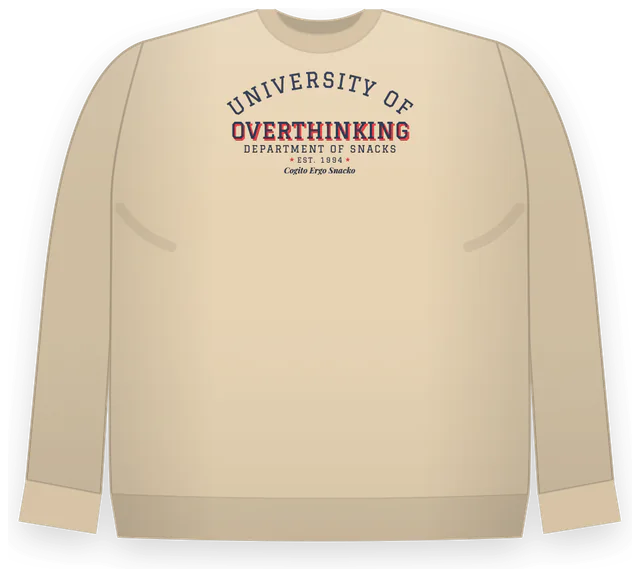
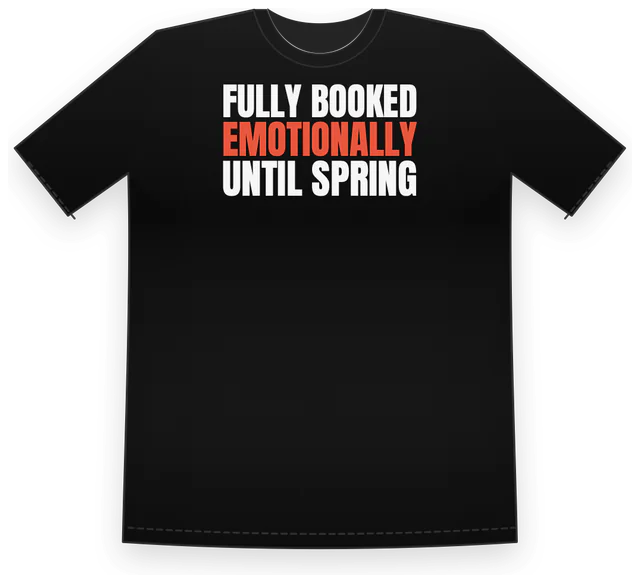
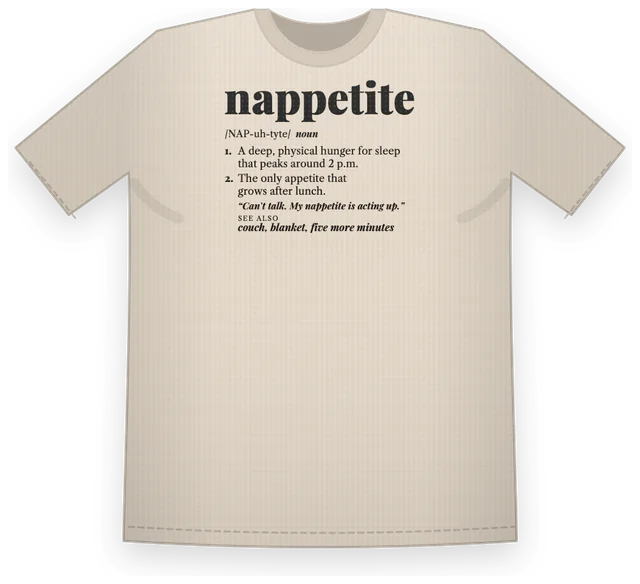
Every serious miss in our reviews had the same shape: each field was clean, the printed shirt wasn't. A first name and a last name that together make a famous person. One word split across two lines. A word spread over a heading and a subheading. A forbidden number hidden in an established year.
So the check runs on the printed strings after the layout has placed them: every line, every neighbouring pair and short run of lines, joined with a space and without one. Product descriptions that go to the payment page and the receipt get the same check, because they print too, just on paper.
Normalise before you match
- Fold look-alikes. Letters from other alphabets, accented letters and digits used as letters should match the plain word. The Unicode confusables data is the reference list.
- Close the gaps. Spaced-out letters and punctuation between letters should match the word they spell.
- Keep the original too. Normalising both ways (with and without the spaces) is what stops ordinary phrases being refused: two innocent words can butt together into something that isn't.
- Know the codes. Hate groups use numbers and initials; the ADL's hate symbols database lists them. A number alone can be a code where a full year isn't, so match the context as well as the digits.
Don't block your customers' dogs
Brand lists collide with real life. Candy and snack brands are common pet names, so a shared brand list that includes them refuses a dog's name on every product. Keep those words on the one product where a brand would be the problem, and put a regression test on the shared list so they never creep back.
Every list gets a false positive corpus: ordinary phrases, names and food words that must always pass. Run it in the test suite next to the bypass cases.
Tell people what to change
Check as the customer types and say plainly what to change before checkout, not after payment. Then check again on the server against the same code, because anything the browser checks can be skipped.
No list catches everything. Lists catch the obvious and the common; for images and anything a list can't read, add a model-based screen of the final print file before it goes to the printer, with its own spending cap.
Questions people ask
Do I need moderation for a custom text shirt shop?
Yes. Printers and marketplaces remove hateful and infringing content and can close accounts over it, and your name is on every order. Screening before payment is cheaper than refunds and takedowns.
Is a word list enough?
For text, a good list run on the printed lines and their joins catches most of it. Add a model-based check on the final file for images and for anything the list can't parse, and keep a human review path for refunds.
Where do the lists come from?
Slurs and hate codes from published references such as the ADL's database, brands and famous names from your own review of what customers try, and a false positive corpus from real orders that should pass.
Sources
- Unicode Technical Standard 39: Unicode Security Mechanisms (confusables)
- ADL Hate Symbols Database
- Printful content guidelines
Checked 2026-10-24. Policies and rules change; follow the source before you rely on a detail. This is general information, not legal advice.